Advanced AI chatbot techniques for ecommerce are not about a bigger model. They are about what the bot reads before it answers, how your catalogue and policies are structured so the right snippet is found, when the bot stops and hands over, and how you test it after every content change. The nine techniques below are the ones that measurably change answers on a store, in the order that pays off fastest.
Why most store chatbots plateau
A typical store bot goes live with the homepage crawled and a few FAQs pasted in. It answers "what is your returns policy" well and then fails on the questions that actually cost sales: whether a specific variant is in stock, whether a product is compatible with something the shopper owns, or where a particular order is. None of those are fixed by a better prompt. They are fixed by giving the bot the right data in a findable shape, and by deciding in advance what it must never guess about.
The techniques are grouped into three layers: what the bot retrieves, how it behaves, and how you measure it. Each one names the concrete setting or content change involved, using Vatdi as the worked example because its behaviour is documented on the features page; the same principles apply to any retrieval-based chatbot.
Layer 1: what the bot retrieves
1. Ground every answer in retrieved content, with a real "I don't know"
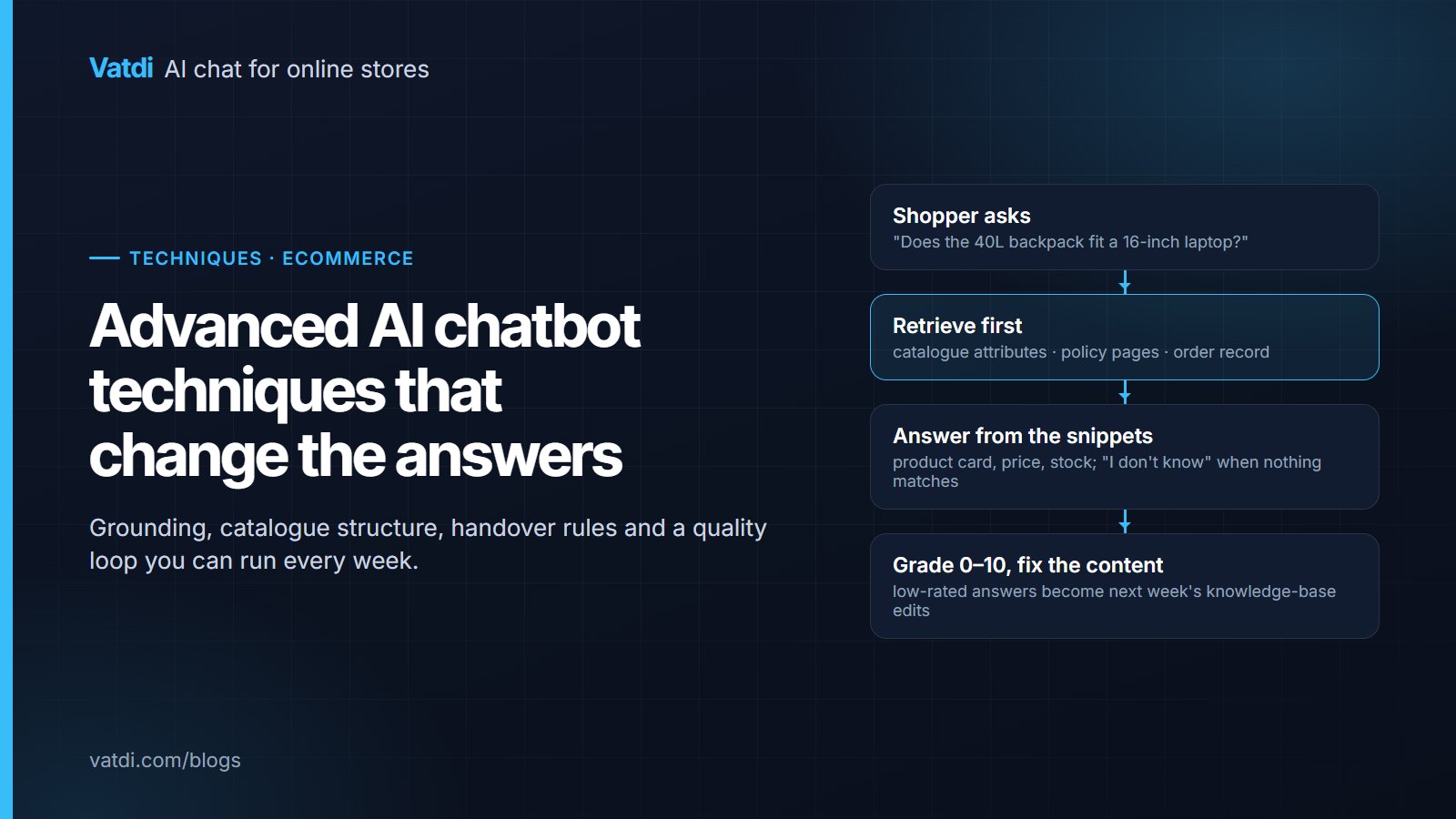
Retrieval-augmented generation (RAG) means the bot first searches your own synced content for the passages that match the question and then writes the answer from those passages only. The approach comes from a 2020 research paper (Lewis et al., "Retrieval-Augmented Generation for Knowledge-Intensive NLP Tasks") and is the reason a store bot can say "the 40L fits a 16-inch laptop" only when your product page says so. The advanced part is the negative case: when nothing relevant is retrieved, the bot must say it does not know and offer a person, instead of composing a plausible answer from general training. Test this deliberately by asking about a product you do not sell; the correct answer is a polite "we don't carry that". A fuller explanation is in what a RAG chatbot is.
2. Structure the catalogue so attributes are findable
Retrieval finds text. If "fits laptops up to 16 inches" is only in a product photo or in a PDF spec sheet, the bot cannot use it. Move the facts that shoppers ask about into fields the sync reads: attributes (size, material, capacity, compatibility), variants with their own stock, and clear names. Where the plugin sends sales data, "best sellers" becomes a real ranking rather than a guess. Vatdi's catalogue sync reads attributes, variants, sale prices and optional stock through its plugins (how catalogue sync works); the same fields feed the product cards the bot shows, so cleaning them improves both the answer and the card.
3. Write policy pages a retriever can use
A returns page written as three flowing paragraphs retrieves poorly. The same policy written as one heading per question ("Can I return sale items?", "Who pays return shipping?") with the number in the first sentence retrieves precisely, and the bot quotes the right rule. The rewrite is an afternoon's work and it is the single highest-return content change on most stores. Our guide to writing a chatbot knowledge base shows the before-and-after for shipping, returns and sizing pages, and chatbot training data best practices covers file formats and update cadence.
4. Connect the order system, or decide explicitly not to
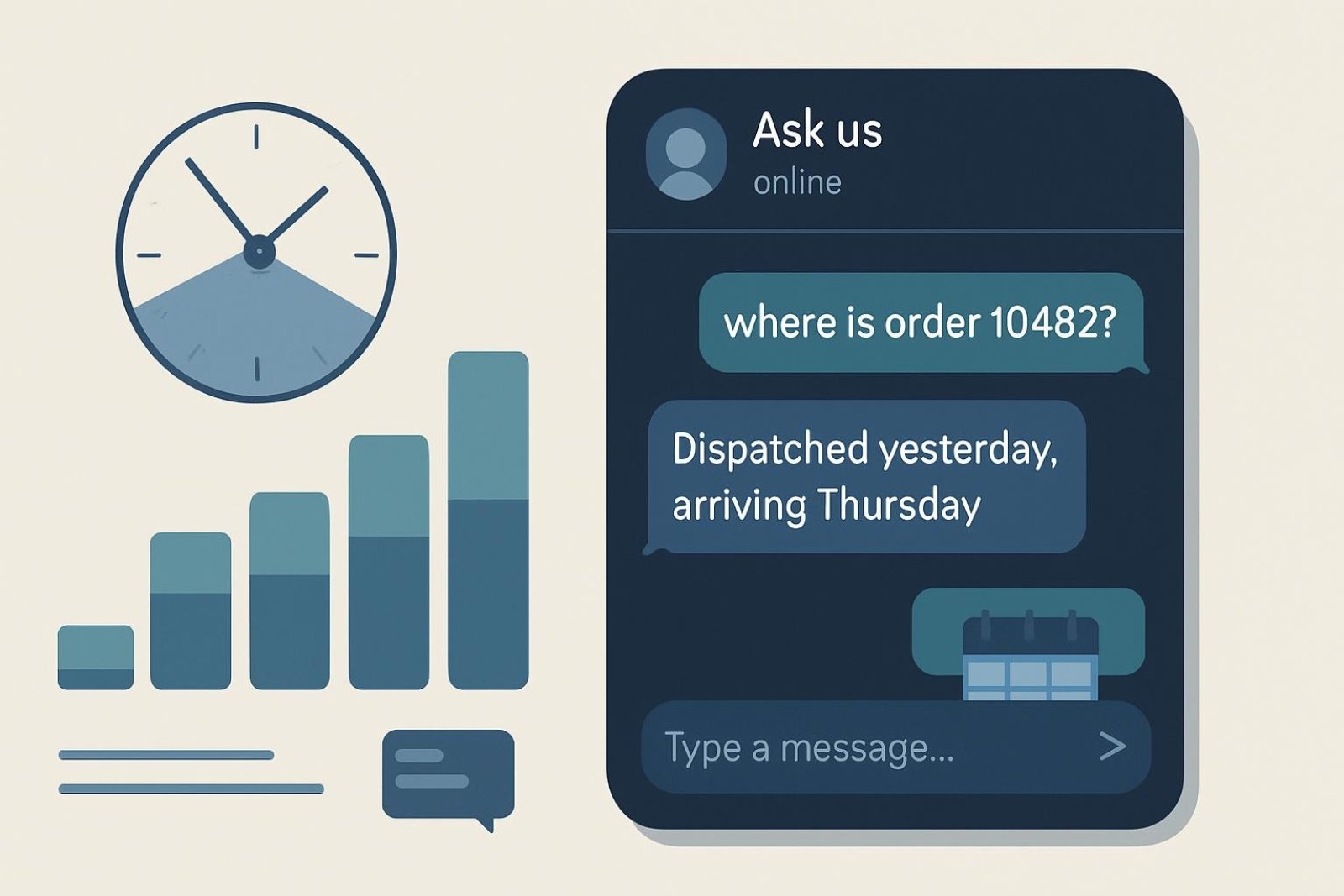
"Where is my order?" cannot be answered from any page. Either connect the store so the bot can look up an order number verified by the email or phone on the order, or write the fallback deliberately: the bot explains how tracking works and collects the order number for a person. Vatdi does the live lookup through its plugins for WooCommerce, OpenCart, PrestaShop, Magento, Shopware, Joomla and Drupal Commerce, and not on Shopify; the mechanics are in order tracking in chat. Whichever you choose, test the path with a real order number before launch.
Layer 2: how the bot behaves
5. Steer with quick replies and a follow-up bubble
Shoppers type what they see. If the widget opens with three quick replies, "Shipping times", "Returns", "Track my order", most conversations start with a question the bot can answer well, and the ones that do not are easier to spot. Set the welcome message to name what the bot can do, and use the follow-up bubble to prompt a second question only after the first is resolved. The twelve questions shoppers ask a store chatbot are a good source for the first three replies.
6. Write handover rules before the first complaint
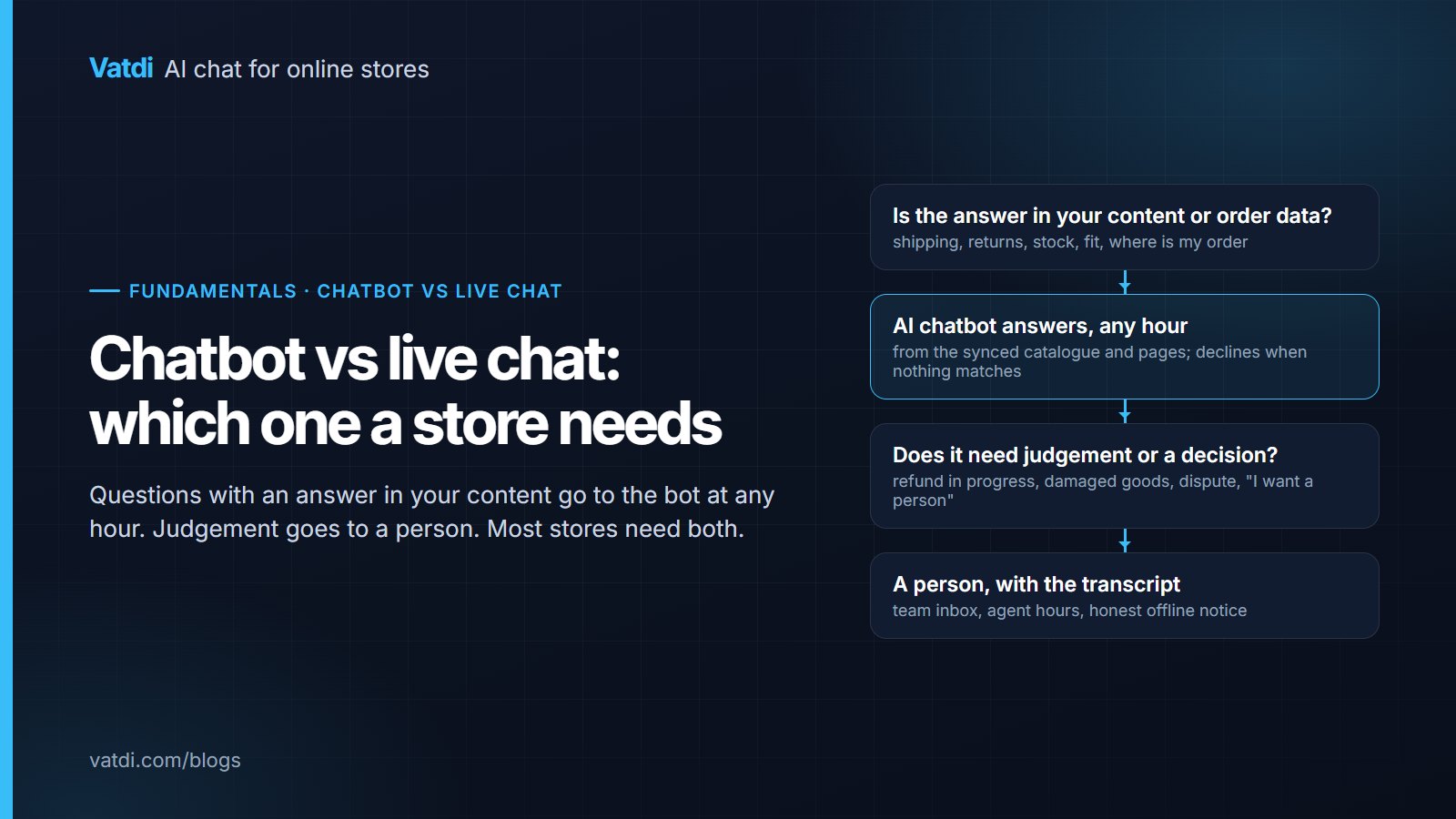
Advanced handover is mostly deciding in advance. Three rules cover most stores: escalate immediately on refunds already in progress, damaged goods and payment disputes; escalate when the shopper asks for a person, without a second attempt; and outside agent hours, say so honestly and collect contact details rather than pretending someone is coming. Vatdi's agent-hours schedule, team inbox states and missed-handover count exist for exactly this; the setup is described in what chatbot human handover is. Review missed handovers weekly: each is a customer who asked for you and did not get you.
7. Test per language, not per feature
Automatic language detection is common; correct answers in every language are not. Retrieval works on your content's language, so a German question about a policy written only in English depends on the bot's translation step. Build a small test set in each language you sell into, ten questions each, and run it before launch and after any content change. Check the widget labels too: placeholder text, buttons and the offline notice should switch with the answer language. Vatdi detects 95+ languages, lets you set a fallback and lets you edit every label per store; the steps are in how to set up a multilingual chatbot.
8. Put guardrails on prices, promises and coupons
The costly chatbot errors are specific: a price that is not in the catalogue, a delivery date the policy does not promise, a discount that does not exist. Guardrails are content decisions as much as settings. Keep prices only in the synced catalogue so the bot never quotes a stale page; write shipping times as ranges with their conditions; and configure coupon offers with their conditions so the bot states them when it offers the code. Vatdi surfaces coupon conditions alongside the code and shows the current sale price on the product card while a sale is on, which removes the two most common price disputes.
Layer 3: how you measure it
9. Run a 30-question quality loop after every content change
Pick thirty real questions from your inbox and run them the same way every time:
- Ten product questions (fit, compatibility, material, stock of a specific variant), ten policy questions (returns, shipping, payment) and ten order or account questions.
- Ask each in the live widget and record the answer as correct, partly correct or wrong, plus whether the bot correctly declined when the answer was not in your content.
- Fix the content behind every wrong answer, not the prompt, and re-run the set the same day.
Vatdi grades every live conversation 0 to 10 with plain-English advice, and the low-rated conversations are the backlog for the next loop; visitor thumbs per answer show which specific replies to look at first. The metrics worth tracking over time are in AI chatbot KPIs to track.
The techniques ranked by payoff
| Technique | Effort | What changes | How to verify |
|---|---|---|---|
| Policy pages rewritten one question per heading | An afternoon | Policy answers quote the exact rule | Ask the ten policy questions; each answer names the number |
| Catalogue attributes filled in | Ongoing, start with top 50 products | Compatibility, size and material questions get answered | Ask five attribute questions per top product |
| Order lookup connected | Plugin install | "Where is my order" resolved without a person | Real order number plus email returns live status |
| Handover rules and agent hours | An hour | Refunds and disputes reach a person; no false "someone is coming" | Missed handovers reviewed weekly |
| Quick replies and welcome message | Twenty minutes | First questions become answerable ones | Share of conversations starting from a quick reply |
| Per-language test sets | An hour per language | Second-language answers stop degrading silently | Ten questions per language pass |
| Price and coupon guardrails | Content review | No stale prices or invented discounts | Ask for a discount and an old price; the bot states conditions or declines |
| Thirty-question quality loop | Thirty minutes a week | Every content change is verified | Score trend over four weeks |
Mistakes that undo the advanced work
- Fixing a wrong answer by editing the prompt instead of the content. The next similar question fails the same way.
- Crawling the whole site, including blog posts and old promotions. Retrieval then finds an expired sale before the current price.
- Leaving the fallback language unset, so a visitor whose language cannot be detected gets an answer in the wrong one.
- Testing only in the dashboard preview. Test in the live widget on a phone, where quick replies and the offline notice actually matter.
- Uploading a PDF once and never again. Plugin sync keeps the catalogue current; documents are on you.
Every technique here is available on every Vatdi plan, including the free one; see pricing for the conversation limits. The model behind the answers is OpenAI's GPT-4o mini (model documentation), but as this guide should make clear, the model is the least important variable once retrieval, content and rules are right.
Frequently asked questions
How often should I retrain my ecommerce chatbot?
With a retrieval-based bot there is no training run to schedule. The catalogue updates through the plugin sync as products change; pages are re-crawled on the schedule you set; uploaded documents change only when you replace them. The habit that matters is the check after each change: edit a policy page, ask the related question the same day, confirm the new answer appears. Run the full thirty-question set weekly.
What is the difference between scripted replies and an AI trained on my content?
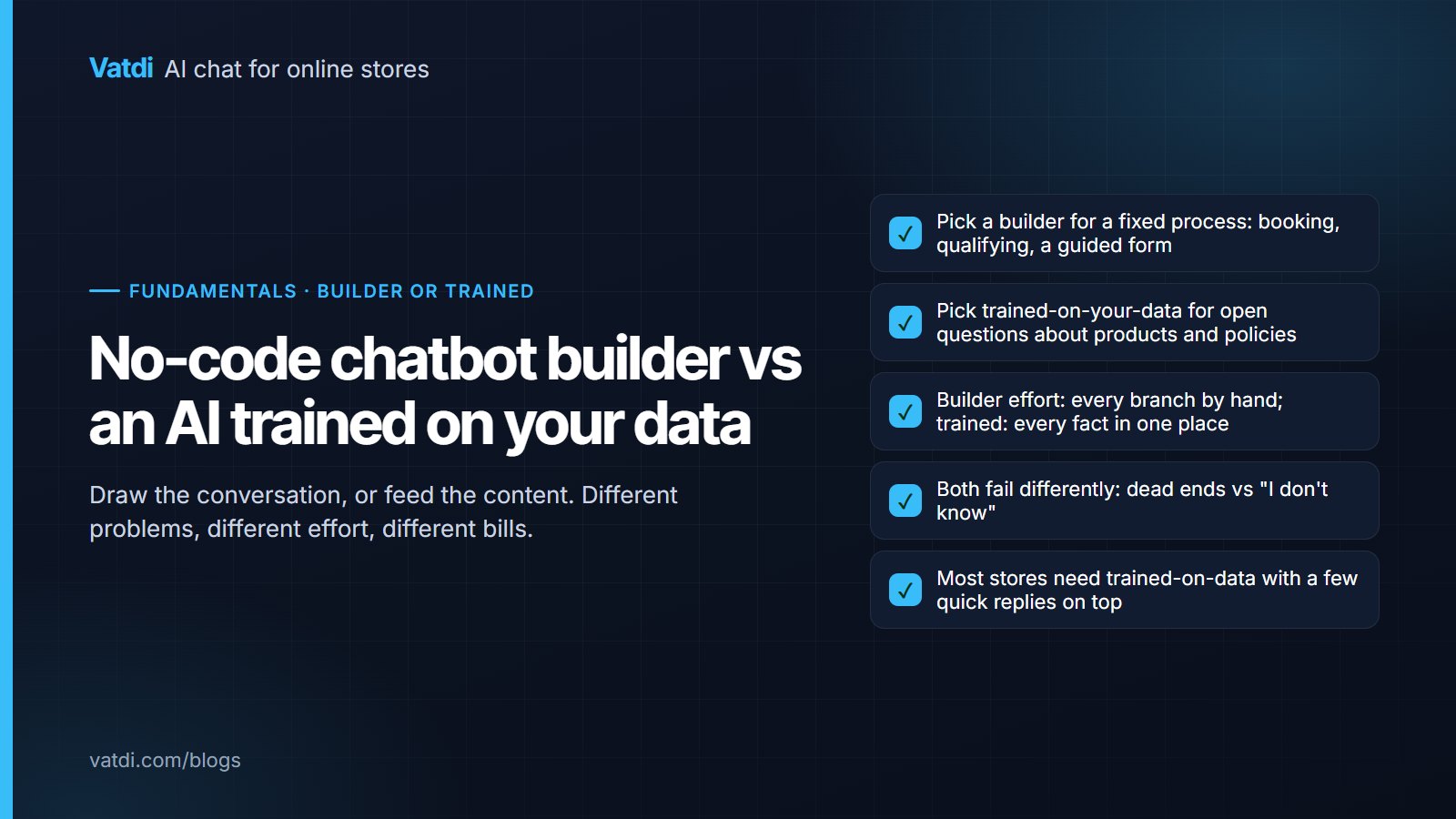
Scripted replies are decision trees: the bot matches a button or keyword and returns a fixed message, so it handles only the paths someone built. A retrieval-based AI reads the actual question, finds the matching passages in your catalogue and pages, and writes a specific answer, including for phrasings nobody anticipated. The trade-off is that its quality depends on your content, which is why the techniques above are mostly about content.
How much does an advanced ecommerce AI chatbot cost?
Nothing in this guide requires a higher tier. Vatdi includes catalogue sync, order lookup, handover, languages, coupon offers and conversation grading on every plan: Free with 15 conversations a month, Starter at $4.49 a month for 150, and Grow at $7.49 a month for unlimited conversations, as of September 2026. On per-seat or per-resolution products the same techniques cost more as usage grows.
Can I use my own product data and documents to train the chatbot?
Yes, and you should treat that as the whole job. Connect the catalogue through the plugin first, then crawl the pages that answer policy questions, then import FAQs from CSV or Excel, then upload PDF, DOC, DOCX, CSV, TXT or Markdown files up to 10 MB each for anything that exists only as a document. Keep prices in the catalogue only, so the bot never quotes a stale figure from a page.
How do I make sure the chatbot never invents a price or a delivery date?
Keep each fact in exactly one retrievable place and make the bot's fallback explicit. Prices live in the synced catalogue; delivery times live on the shipping page as ranges with conditions; discounts exist only as configured coupons with conditions. Then test the negative cases: ask for a product you do not sell, a discount you do not offer and an exact delivery date. The correct answers are a decline, a decline and a range.
Which handover rules should every store set?
Three cover most cases. Escalate immediately on refunds in progress, damaged goods and payment disputes. Escalate the moment a shopper asks for a person, without a second bot attempt. Outside agent hours, say that no one is available, give the next time someone is, and collect contact details. Then review missed handovers every week and adjust the rules from what you find there.