1. Home
  2. /
  3. Blog
  4. /
  5. Akshay Maniya

Akshay Maniya

Platforms and integrations · Vatdi team

Akshay covers the platform side: WooCommerce and WordPress, OpenCart, PrestaShop, Magento, Shopware, Joomla, Drupal, Shopify and plain websites. Each install guide is walked through on a staging store first, checks what the plugin can and cannot sync, and includes the troubleshooting steps for that platform.

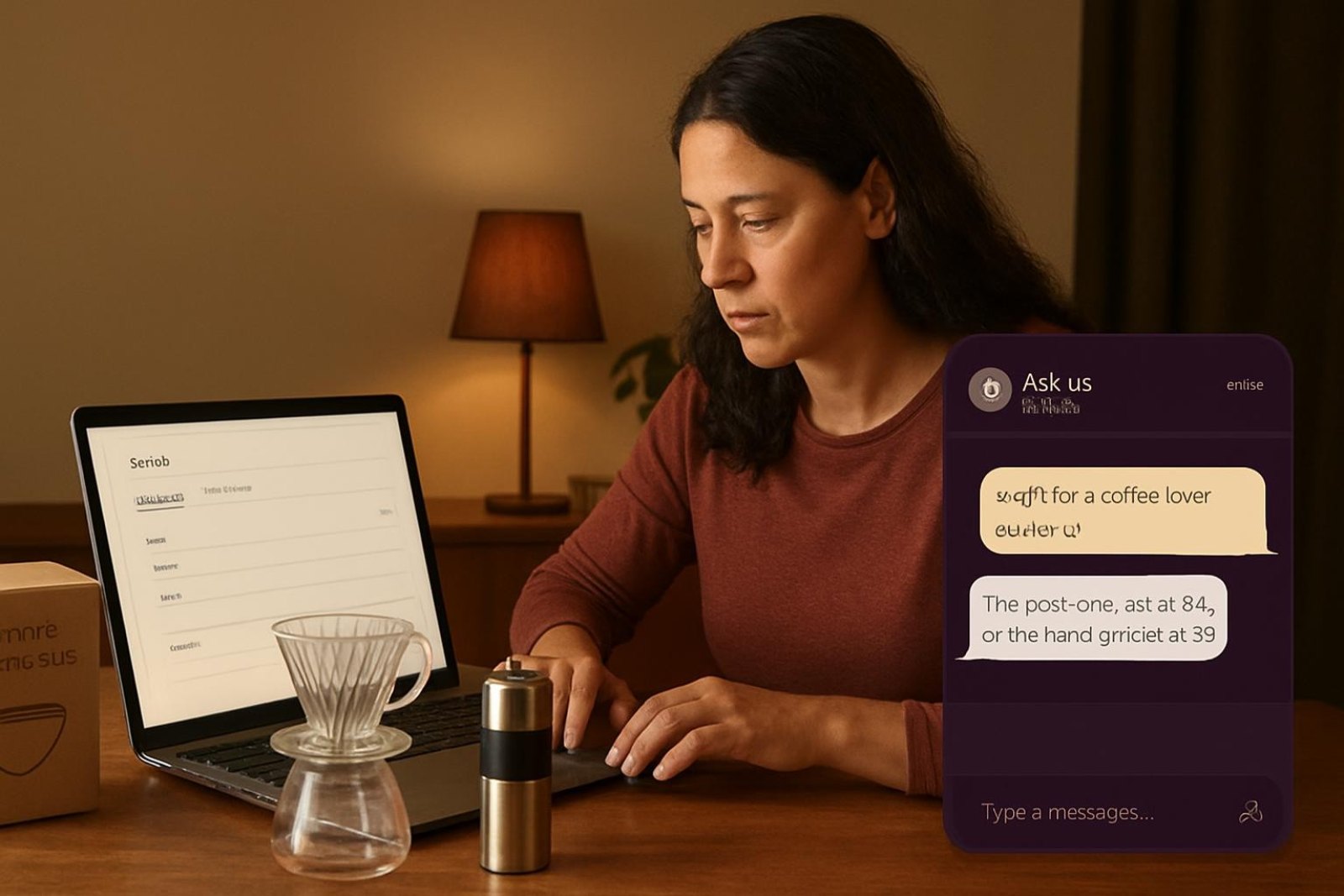
WooCommerce product attributes powering an assistant that narrows a catalogue to three matching items
Platforms & integrations
56 views

WooCommerce chatbot product recommendations are a catalogue problem rather than a prompting one. Attributes, categories and stock decide whether the assistant can narrow a range honestly or is reduced to listing whatever matches a keyword. This guide covers the fields that matter, how to structure them, what good suggestions look like, and where the assistant should stop.

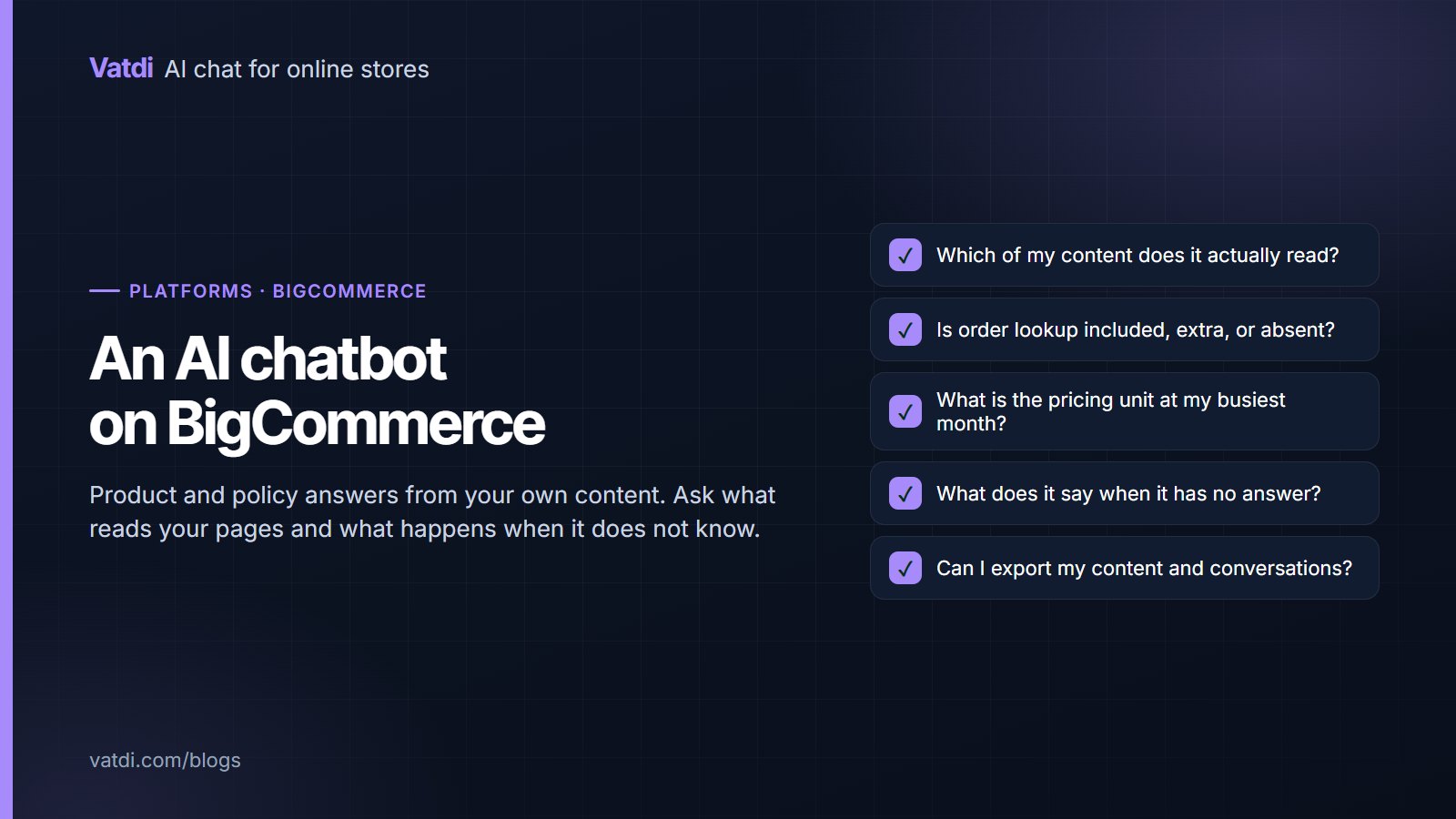
Checklist for evaluating an AI chatbot on a BigCommerce store before installing it
Platforms & integrations
100 views

A BigCommerce store can have an assistant answering product and policy questions from its own content within an afternoon. What varies between tools is order lookup, pricing units and how much of the answer comes from your store rather than a script. This guide sets out what to expect, the questions to ask before installing, and how to judge any option in a single evaluation session.

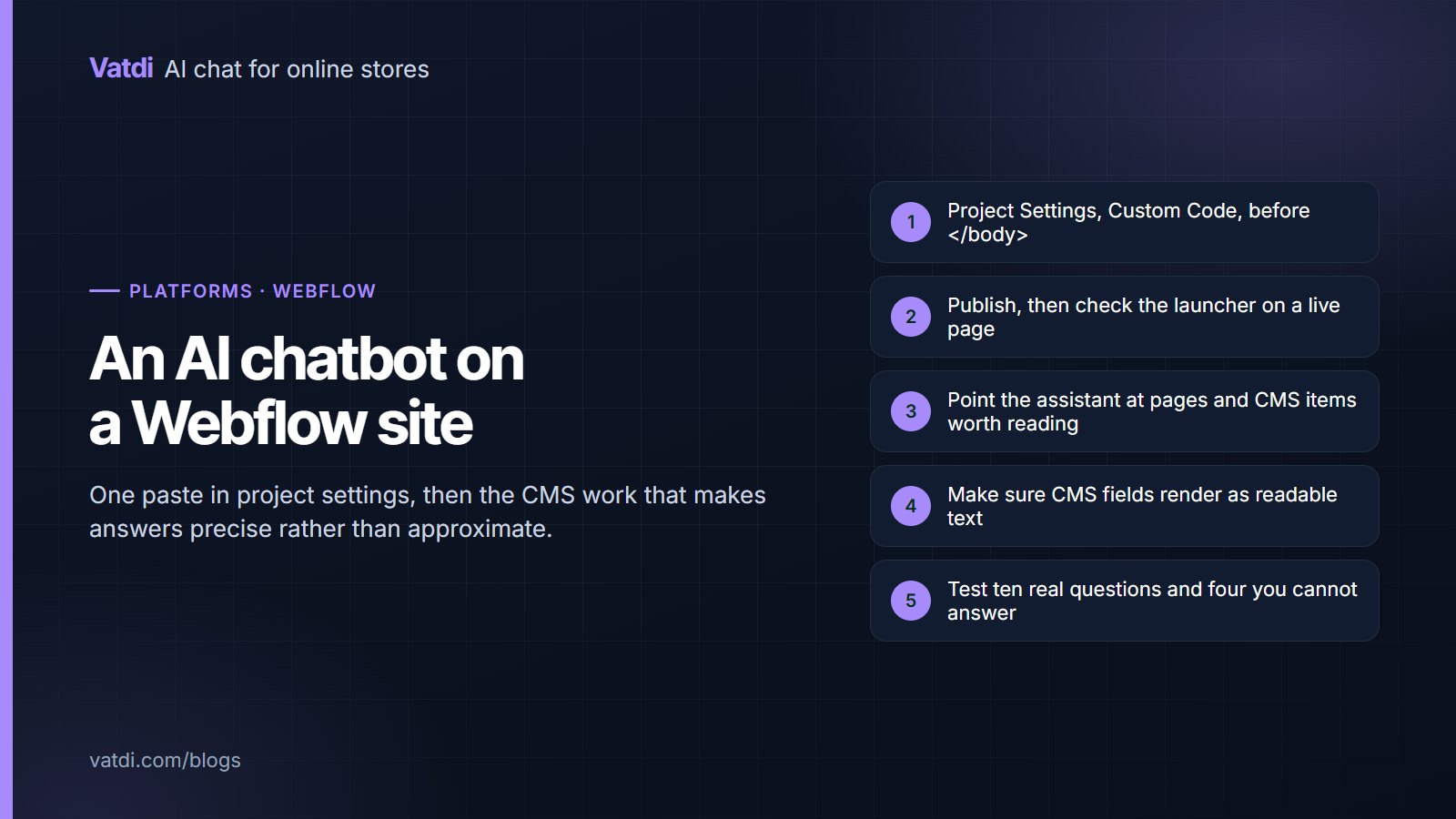
Adding a chat assistant to a Webflow site through project settings custom code
Platforms & integrations
102 views

Webflow gives you a site-wide custom code area, so adding an assistant is one paste and a publish. The interesting part is content: Webflow CMS collections hold structured data that makes answers precise, provided the fields render as readable text. This guide covers the embed, the CMS considerations, the interaction-heavy pages that hide facts, and the pre-launch checks.

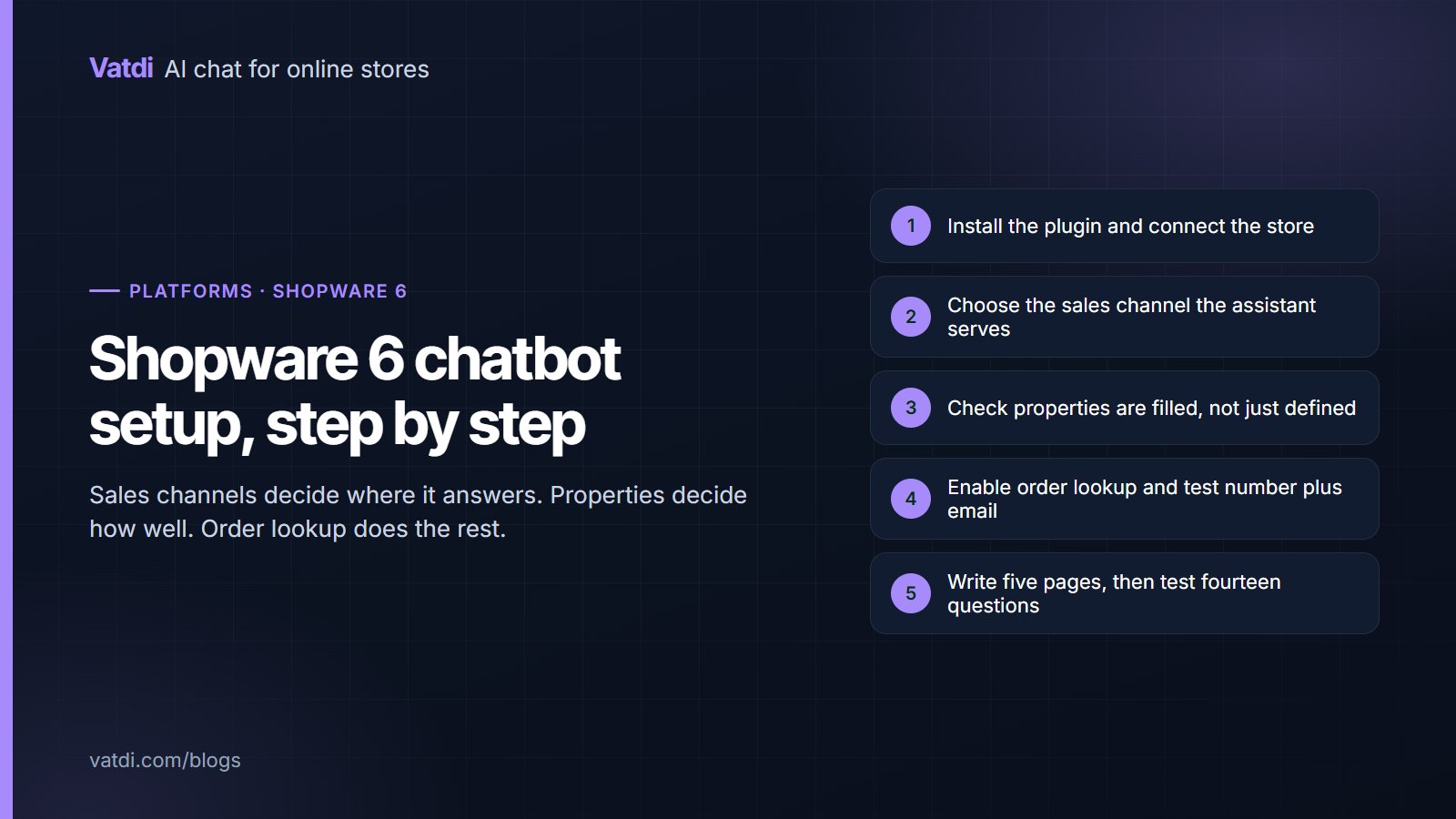
Five setup steps for a Shopware 6 AI chatbot from plugin install to tested answers
Platforms & integrations
86 views

Shopware 6 brings two specifics to chatbot setup: sales channels, which decide where the widget appears and which catalogue it answers from, and properties, which decide whether product answers are specific. This guide covers installation, the sales-channel decision, property coverage, order lookup verification, the content work and the tests to run before customers see it.

Ready to Add AI Chatbot to Your Store?

Join thousands of ecommerce stores using Vatdi for 24/7 customer support, lead capture, and sales automation.

Free plan available No credit card required 5-minute setup